How to Automatically Silence Your Android Phone at Work
Written by Code Pearl Team
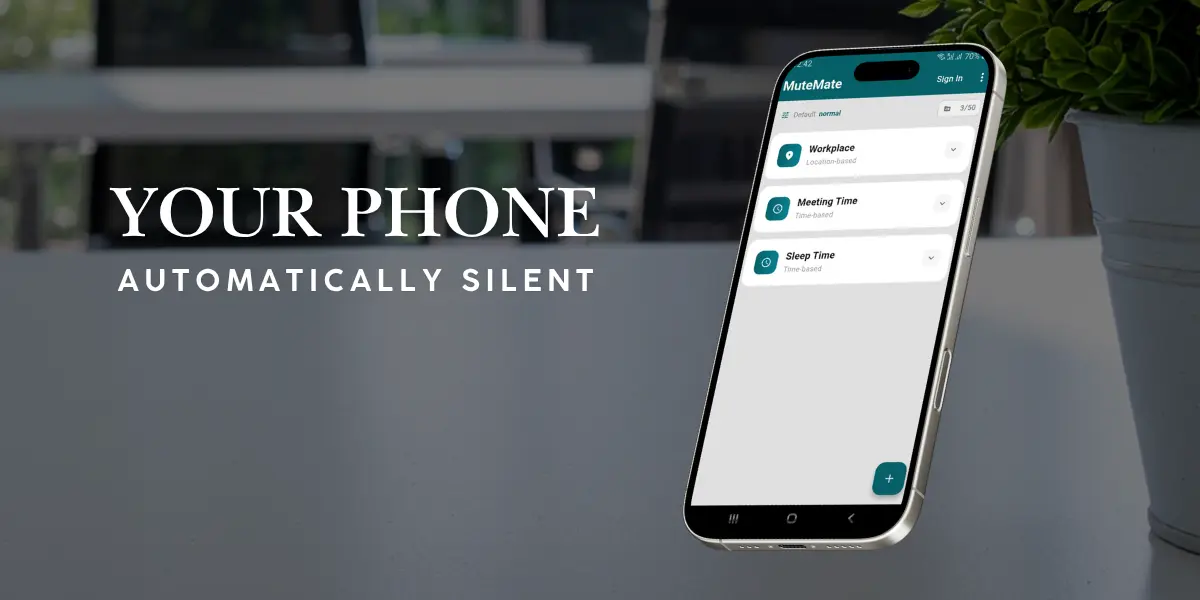
Learn how to automatically silence your Android phone during work hours using schedules, location-based automation, and smarter phone controls.
A phone ringing in the middle of a meeting is more than just an interruption. It breaks concentration, distracts people around you, and creates awkward moments in professional environments. The problem is simple: most people remember to silence their phone after it becomes a problem.
Modern smartphones are powerful enough to automate many parts of our daily routines, yet managing sound settings is still often manual. Instead of constantly changing your phone settings, you can make your Android device adapt automatically to where you are and what you are doing.
Why Automatically Silencing Your Phone at Work Matters
Most workplace interruptions happen because phones still require manual attention. You might forget to enable silent mode before a meeting, leave your phone ringing during a presentation, or switch between sound profiles several times every day.
Automation removes this unnecessary decision from your routine. Your phone already knows important information such as your location, time, and daily patterns. Using that information, it can automatically change its behavior.
Can Android Automatically Go Silent?
Yes, Android can automatically manage sound settings using features like Do Not Disturb schedules, notification controls, and manufacturer automation tools. However, many built-in solutions mainly focus on time-based rules.
For example, you can schedule your phone to enable Do Not Disturb every weekday from 9 AM to 5 PM. This works well for fixed routines, but it does not understand where you are or whether you are actually at work.
Method 1: Use Android Do Not Disturb Schedules
The easiest built-in solution is Android Do Not Disturb scheduling. Open Settings, go to Sound and vibration, select Do Not Disturb, then create a schedule with your preferred days and times.
The limitation is that time schedules only understand when something should happen. They do not understand your location or unexpected changes in your routine.
Method 2: Automatically Silence Your Phone Based on Location
Location-based automation allows your phone to react to where you are instead of only depending on the clock. Using geofencing technology, your phone can detect when you enter or leave a specific area.
For example, when you arrive at your office, your phone can automatically switch to silent mode. When you leave, it can restore normal sound settings.
Why Location Automation Is Better Than Traditional Schedules
A schedule assumes your life follows the same pattern every day. Location automation adapts to real situations because it understands your environment.
The most powerful approach combines both time and location. For example: silence my phone only when I am at the office between Monday and Friday.
Method 3: Use MuteMate for Automatic Silent Rules
MuteMate combines time-based and location-based automation into simple rules. Instead of manually changing sound settings every day, you create rules and let your phone handle the changes automatically.
Examples include creating a work rule that activates silent mode at your office, a meeting rule that enables Do Not Disturb during specific hours, or custom rules for schools, libraries, and other locations.
Common Questions About Automatic Silent Mode
How do I automatically silence my Android phone?
You can use Android Do Not Disturb schedules or automation apps that change sound settings based on time and location.
Can Android silence itself when I arrive at work?
Yes. Location-based automation can detect when you arrive at a workplace and activate silent mode automatically.
Final Thoughts
Your phone should help you stay focused, not create unnecessary distractions. By automating sound settings, your Android device can understand your routine and adjust itself automatically.
Whether you use built-in Android tools or a dedicated automation solution like MuteMate, the goal is simple: spend less time managing your phone and more time focusing on what matters.
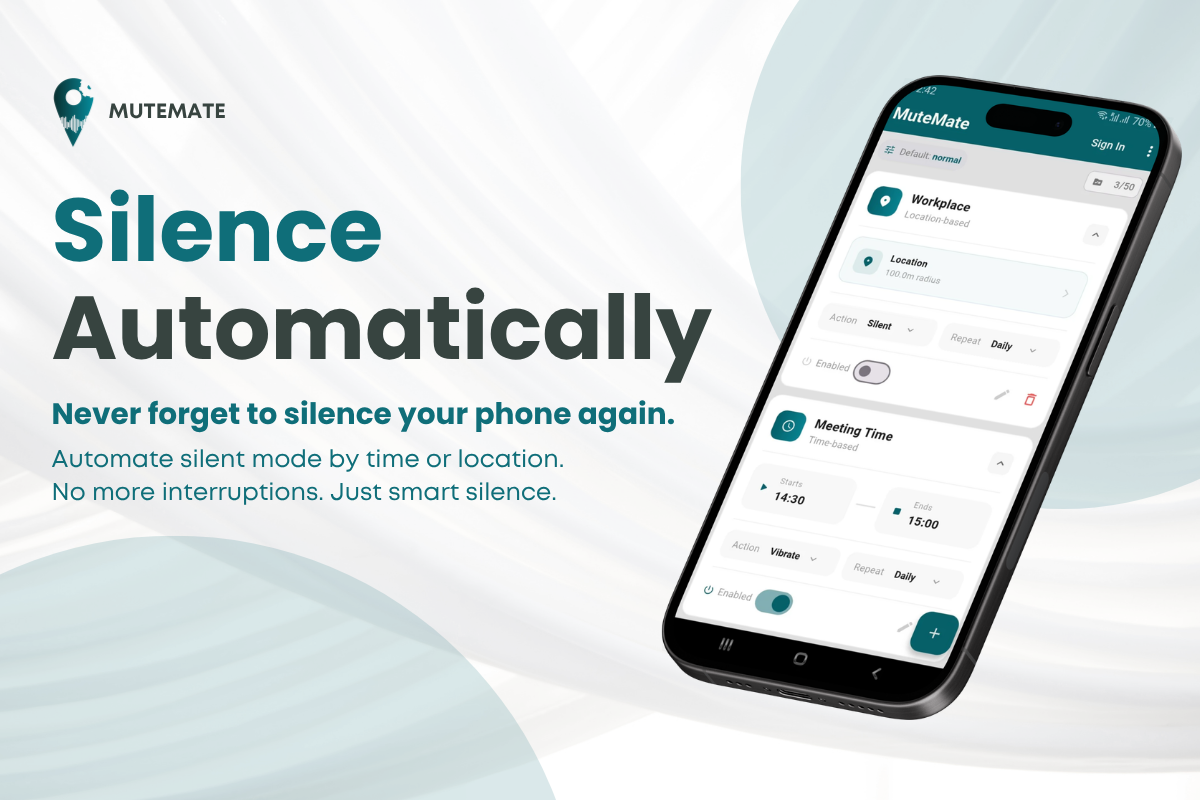
MuteMate
Automatically switch between Silent, Vibrate, Normal and Do Not Disturb based on your schedule and location.